Presentations

Turn outlines and documents into slide decks and presentation visuals. 27 tools, in our ranking order.

Updated 9 October 2026 Top three Moving up Moving downHow rankings work

  1. #1

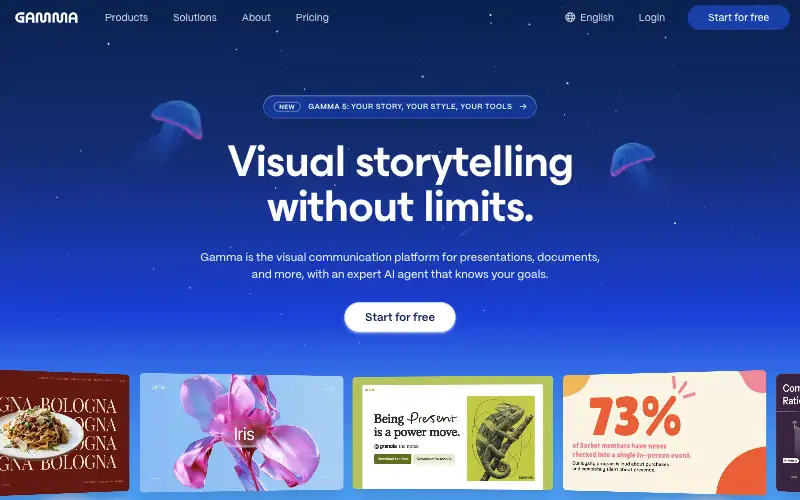
    GammaEditor’s pick

    Create presentations, documents and web pages from a prompt or outline.

    FreemiumDetails about GammaVisit (opens Gamma official site in a new tab)

  2. #2

    Canva

    Design platform with AI tools for graphics, presentations, video and documents.

    FreemiumDetails about CanvaVisit (opens Canva official site in a new tab)

  3. #3

    Microsoft 365 Copilot

    AI assistant inside Word, Excel, PowerPoint, Outlook and Teams for work accounts.

    PaidDetails about Microsoft 365 CopilotVisit (opens Microsoft 365 Copilot official site in a new tab)

  4. #4

    Pitch

    Collaborative presentation software for teams, with AI deck drafts.

    FreemiumDetails about PitchVisit (opens Pitch official site in a new tab)

  5. #5

    Beautiful.ai

    Presentation software with smart templates that format slides automatically.

    PaidDetails about Beautiful.aiVisit (opens Beautiful.ai official site in a new tab)

  6. #6

    Napkin AI

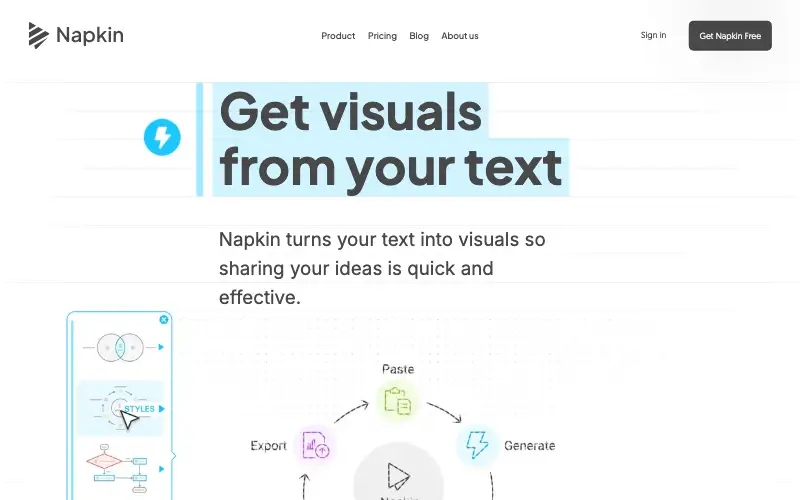
    Turns text into editable diagrams, flowcharts and infographics.

    FreemiumDetails about Napkin AIVisit (opens Napkin AI official site in a new tab)

  7. #7

    ChatGPT (moving up)

    General-purpose AI assistant for questions, writing, analysis, images and voice.

    FreemiumDetails about ChatGPTVisit (opens ChatGPT official site in a new tab)

  8. #8

    Gemini (moving up)

    Google's AI assistant, connected to Search and Google apps like Gmail, Docs and Drive.

    FreemiumDetails about GeminiVisit (opens Gemini official site in a new tab)

  9. #9

    Microsoft Copilot

    Microsoft's free AI assistant on the web, Windows and mobile, with web-grounded answers.
    FreemiumDetails about Microsoft CopilotVisit (opens Microsoft Copilot official site in a new tab)

More in Presentations

  1. #10

    Plus AI

    Plus is an AI assistant for PowerPoint and Slides that helps you create usable, results-oriented presentations.

    Details about Plus AIVisit (opens Plus AI official site in a new tab)

  2. #11

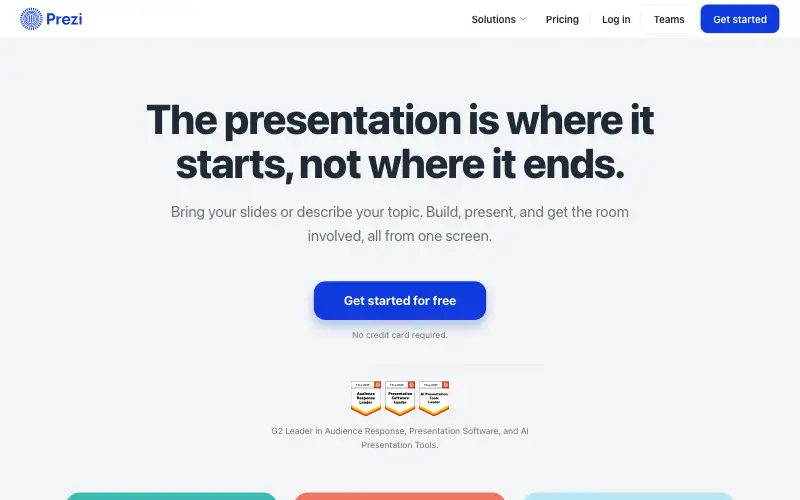
    Prezi

    Prezi is an interactive presentation platform for educators, trainers, and teams.

    Details about PreziVisit (opens Prezi official site in a new tab)

  3. #12

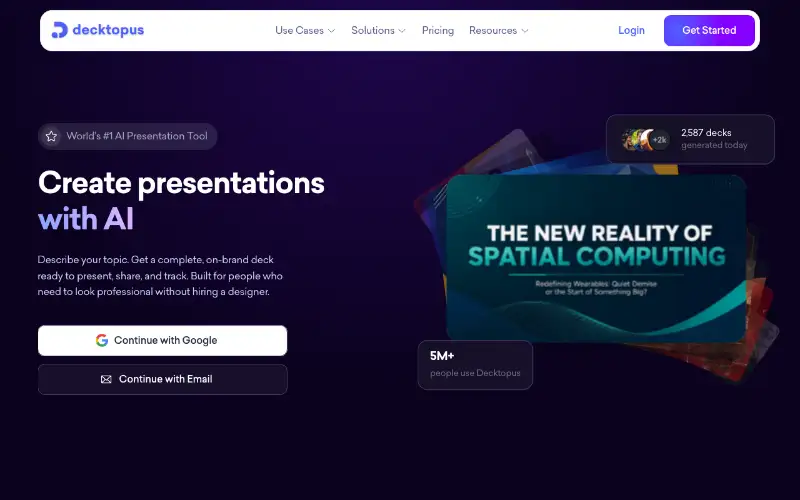
    Decktopus

    Decktopus is an AI presentation maker, that will create amazing presentations in seconds.

    Details about DecktopusVisit (opens Decktopus official site in a new tab)

  4. #13

    SlidesAI

    Turn notes, documents, PDFs and prompts into professional presentations with SlidesAI.

    Details about SlidesAIVisit (opens SlidesAI official site in a new tab)

  5. #14

    Slidebean

    We've helped startup founders raise over $500M in venture capital.

    Details about SlidebeanVisit (opens Slidebean official site in a new tab)

  6. #15

    Alai

    Design and refine beautiful presentations instantly using Alai's AI presentation maker.

    Details about AlaiVisit (opens Alai official site in a new tab)

  7. #16

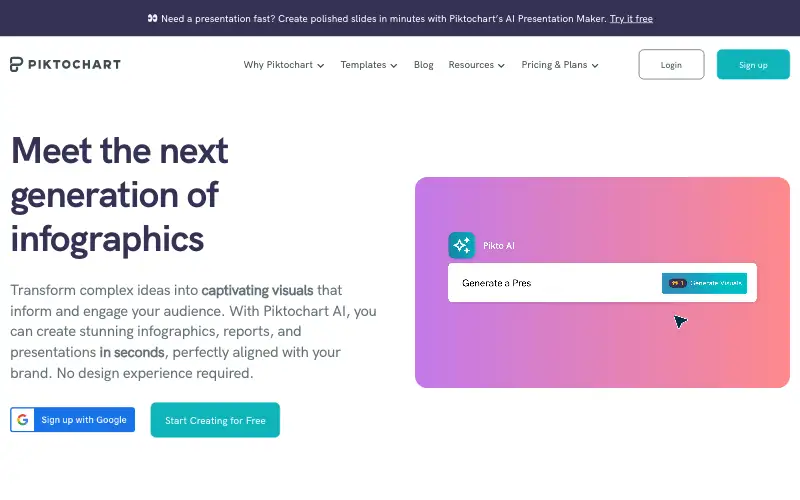
    Piktochart

    Piktochart AI infographic tools turn data into visuals fast.

    Details about PiktochartVisit (opens Piktochart official site in a new tab)

  8. #17

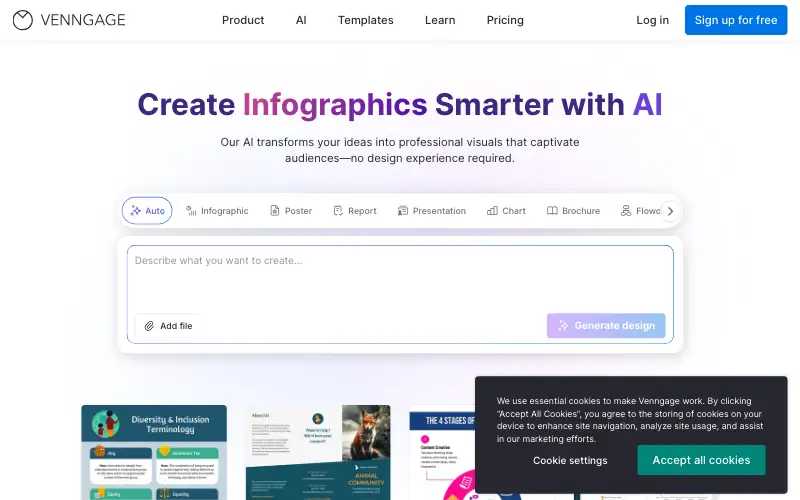
    Venngage

    Join over 5 Million professionals who consider Venngage the infographic maker of choice.

    Details about VenngageVisit (opens Venngage official site in a new tab)

  9. #18

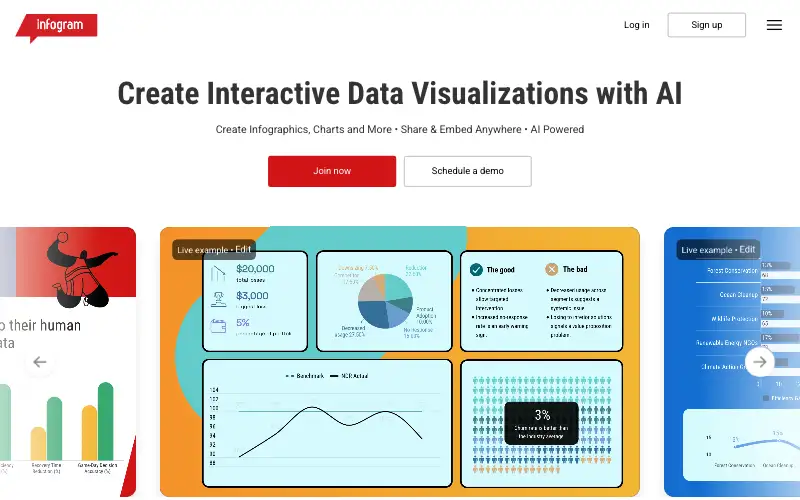
    Infogram

    Create interactive charts, maps, infographics, reports and more.

    Details about InfogramVisit (opens Infogram official site in a new tab)

  10. #19

    Kosmik

    Transform your creative workflow with Kosmik's AI moodboard maker.

    Details about KosmikVisit (opens Kosmik official site in a new tab)

  11. #20

    Eraser

    Create technical diagrams using AI. Deliver consistent, accurate designs faster.

    Details about EraserVisit (opens Eraser official site in a new tab)

  12. #21

    Whimsical AI

    Design and document implementation with diagrams.

    Details about Whimsical AIVisit (opens Whimsical AI official site in a new tab)

  13. #22

    Lucidchart AI

    Create next-generation diagrams with AI, data, and automation in Lucidchart.

    Details about Lucidchart AIVisit (opens Lucidchart AI official site in a new tab)

  14. #23

    Code to Flow

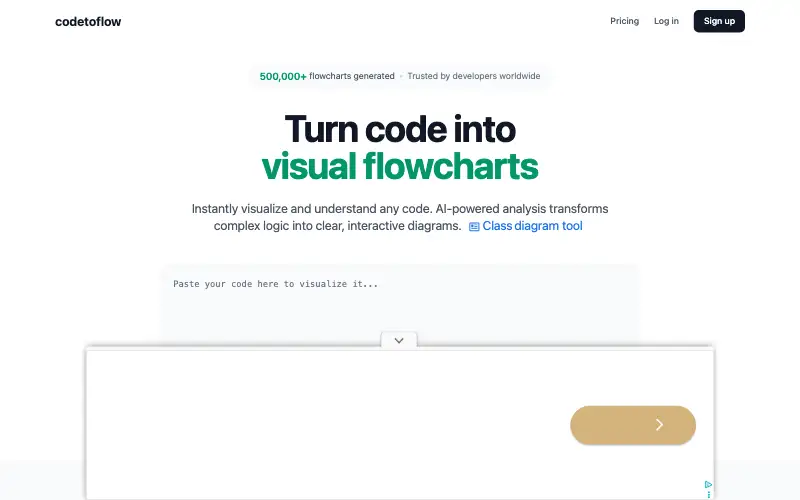
    Code to flow simplifies complex logic and your code instantly using AI, helping you understand the flow of your code.

    Details about Code to FlowVisit (opens Code to Flow official site in a new tab)

  15. #24

    Creately

    See the full picture with Creately. Map ideas, plan projects, and collaborate visually with your team and your AI on one shared, intelligent canvas.

    Details about CreatelyVisit (opens Creately official site in a new tab)

  16. #25

    Ideamap

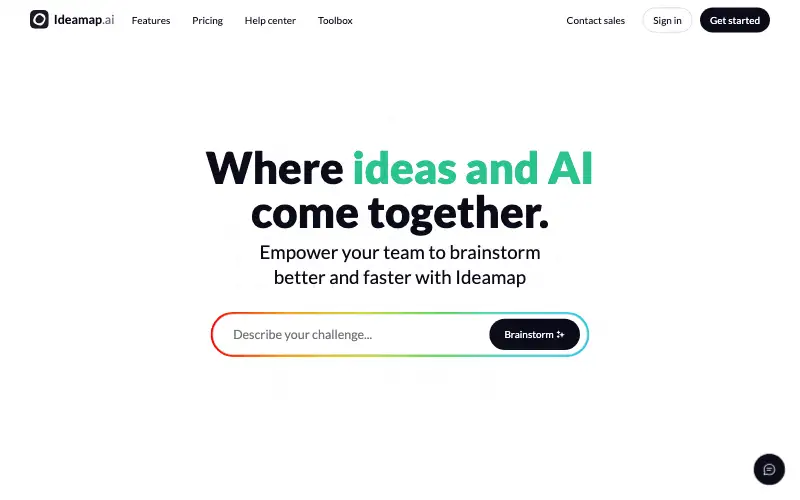
    Ideamap is a visual workspace for brainstorming where teams collaborate on ideas and use AI to boost their creativity.

    Details about IdeamapVisit (opens Ideamap official site in a new tab)

  17. #26

    Mermaid Chart

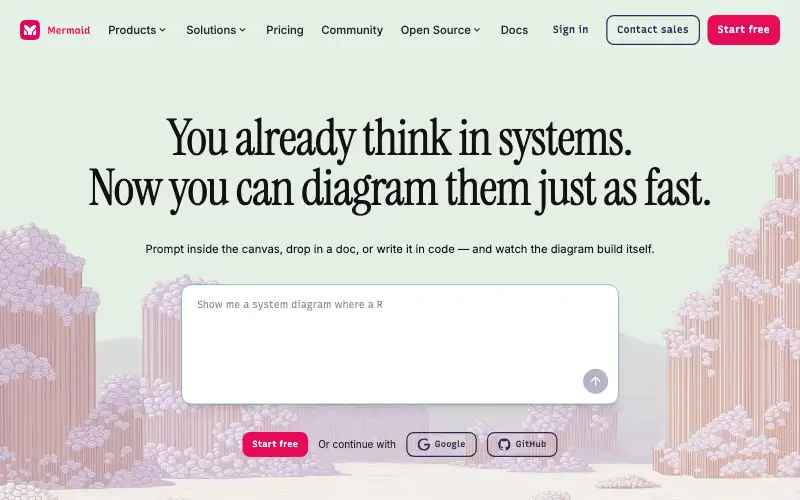
    Create diagrams, flowcharts, and documentation with Mermaid

    Details about Mermaid ChartVisit (opens Mermaid Chart official site in a new tab)

  18. #27

    MagicSlides

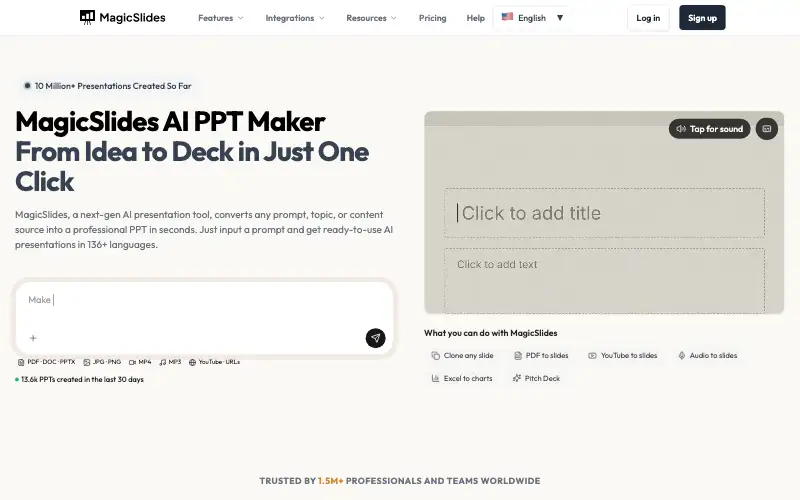
    Create stunning AI presentations in seconds — free, no design skills needed, using AI PPT Maker.

    Details about MagicSlidesVisit (opens MagicSlides official site in a new tab)